One home for every kind of reading 给各种阅读内容一个统一的归处
Books, PDFs, saved files, and study materials all belong in the same calm library, ready whenever you are.
书籍、PDF、收藏文件和学习资料,都可以放进同一个更安静的书库里,随时准备好被重新打开。
Now on the App Store 现已上架 App Store
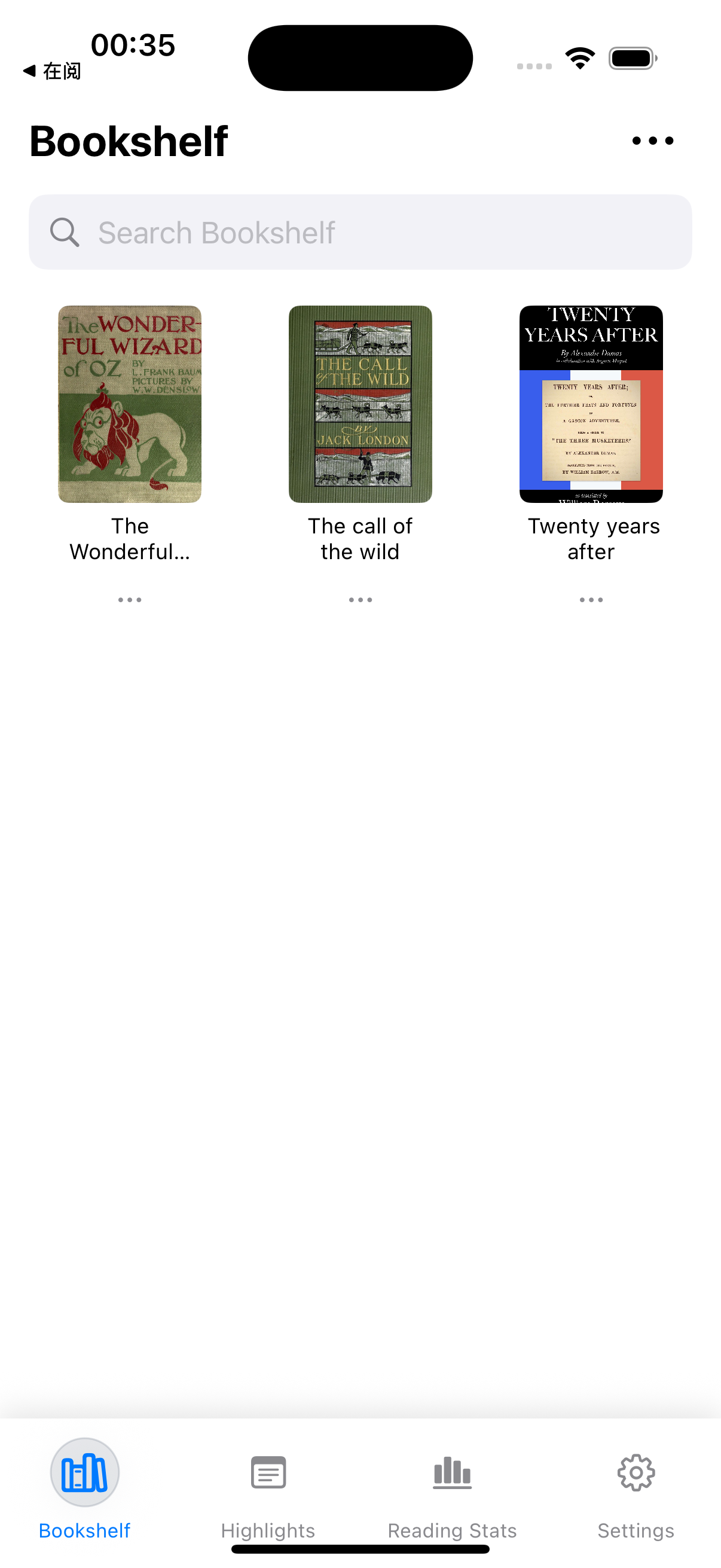
ReadingUp brings books, documents, highlights, and progress into one beautifully organized space on iPhone, iPad, and Mac. Open the files you already have, shape the page to your eyes, and return to reading without friction.
ReadingUp 把书籍、文档、划线和阅读进度整理进 iPhone、iPad 和 Mac 上同一个更顺手的空间。打开你已经拥有的文件,按自己的习惯调整页面,然后更自然地回到阅读本身。
Books, PDFs, saved files, and study materials all belong in the same calm library, ready whenever you are.
书籍、PDF、收藏文件和学习资料,都可以放进同一个更安静的书库里,随时准备好被重新打开。
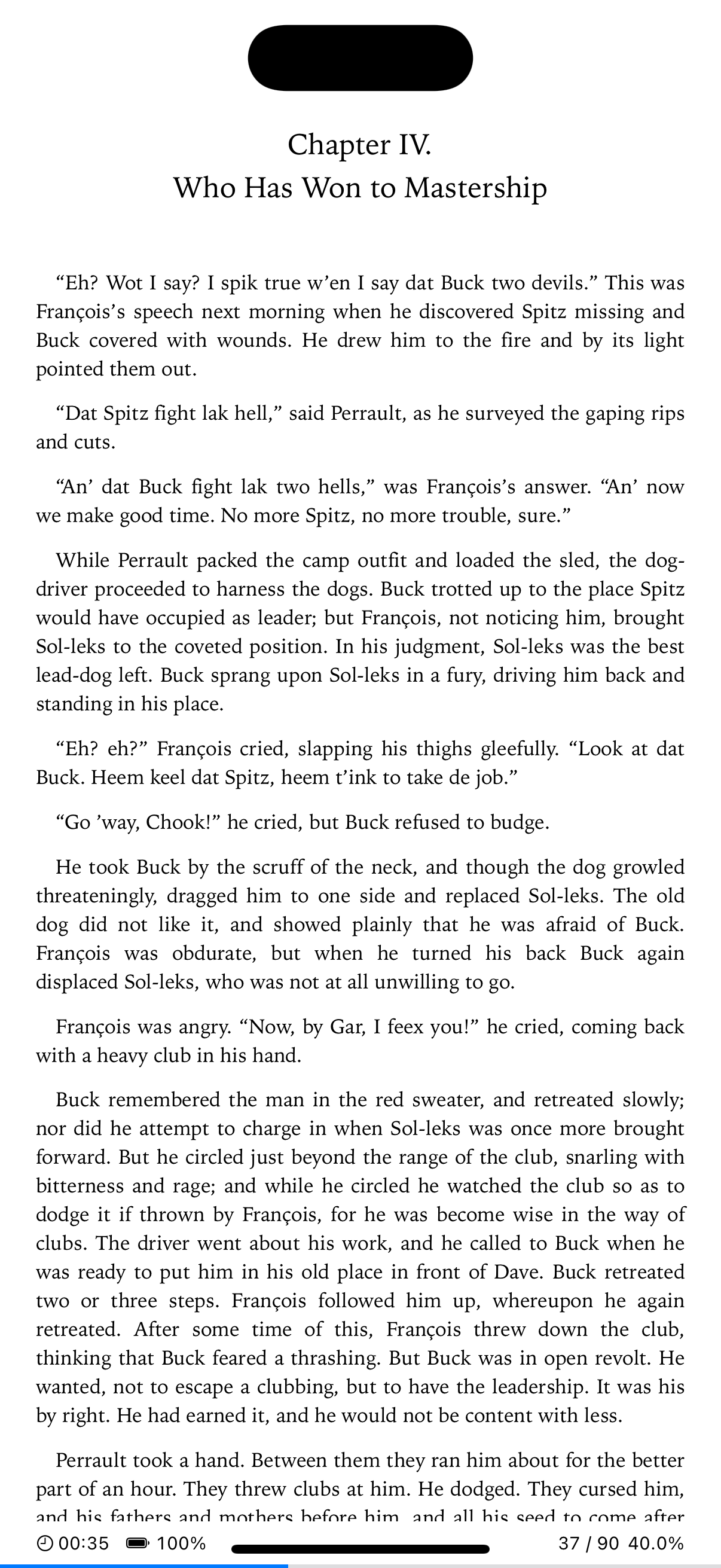
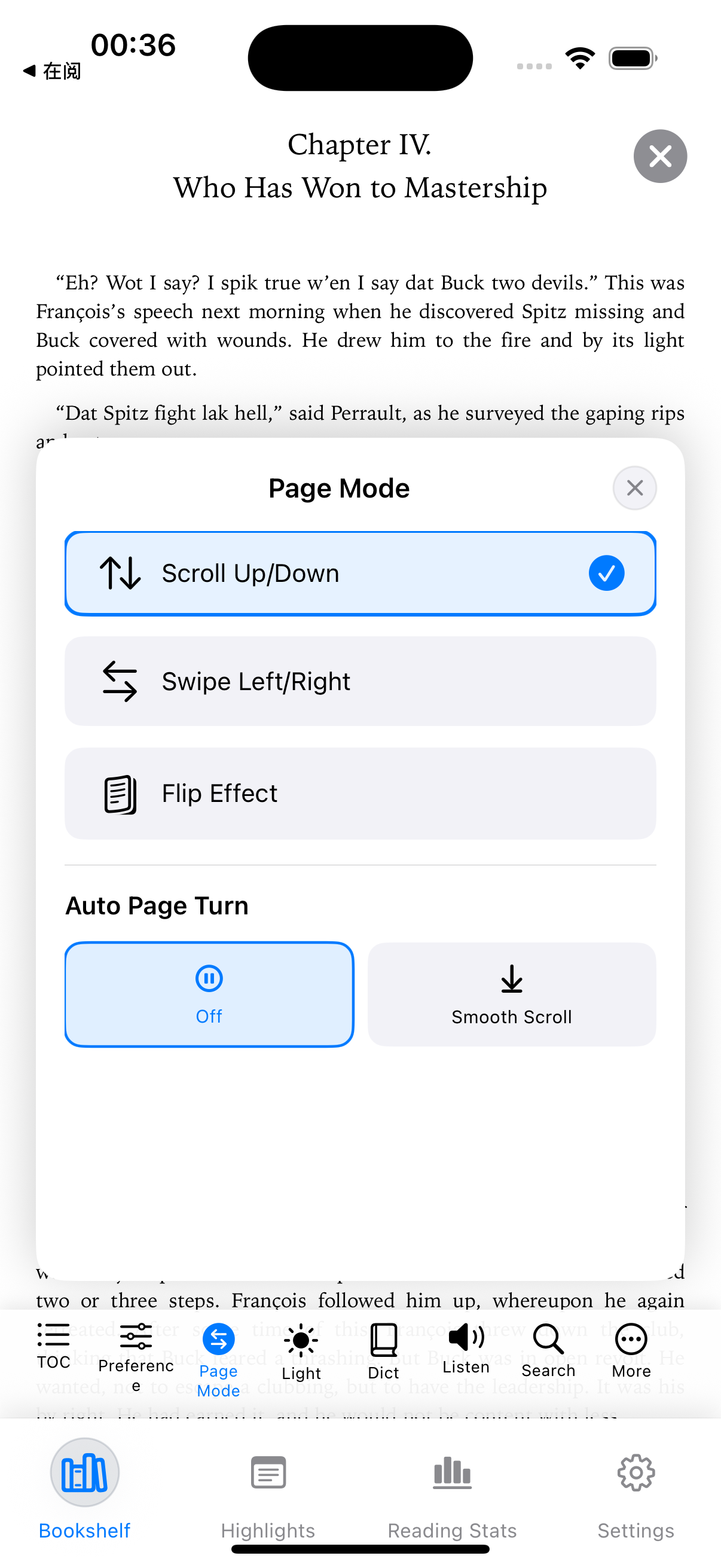
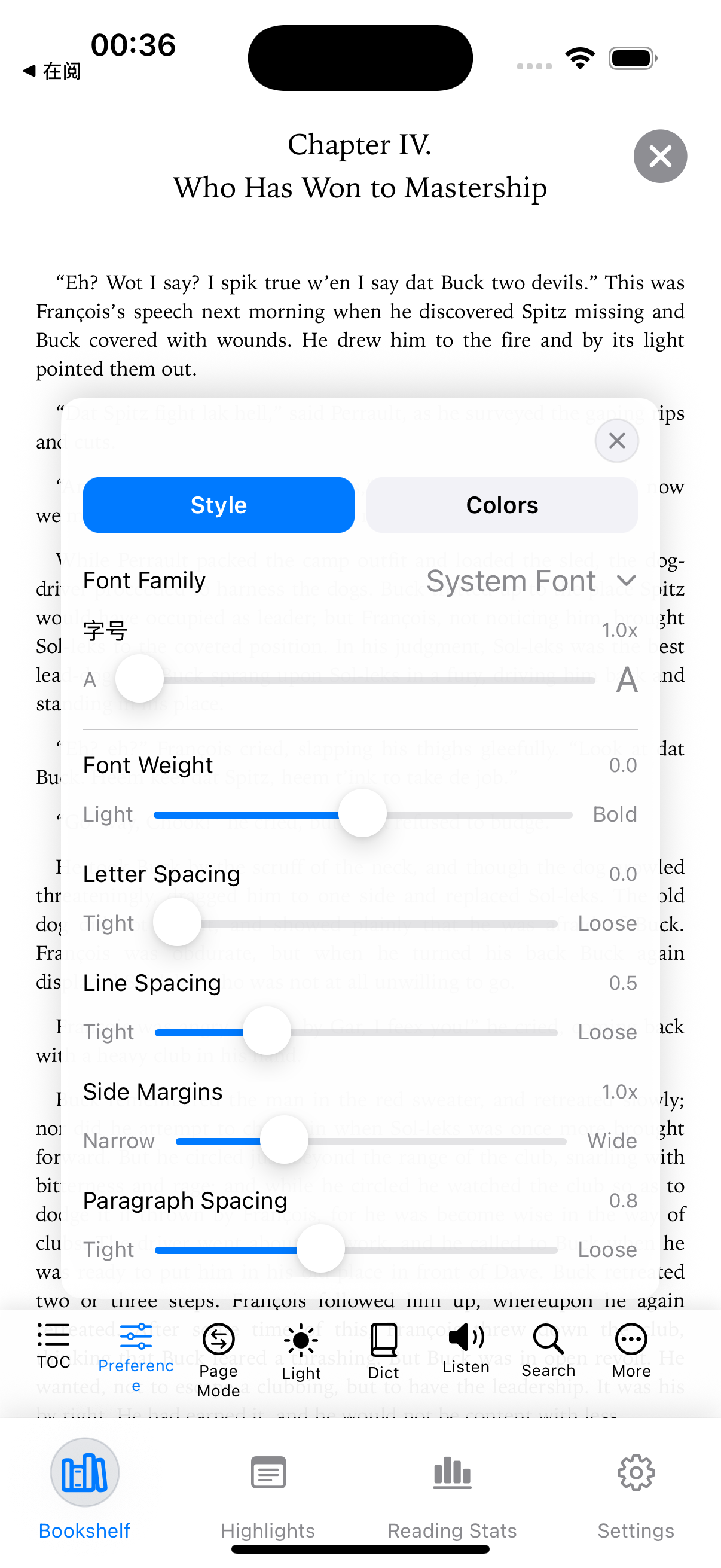
Typography, spacing, themes, and page controls work quietly in the background so your attention can stay on the text.
字体、间距、主题和页面控制都尽量退到背景里,让注意力更自然地留在文字本身。
Highlights and notes stay useful for review, writing, study, and sharing, instead of getting buried inside the app.
划线和笔记不会被埋在应用里,而是能继续用于复习、写作、学习和分享。
Features 核心功能
Bring your books and documents into one refined space, keep your thoughts close to the text, and move from device to device without breaking flow.
把书籍和文档收进一个更精致的空间,让想法始终贴着文本,并在不同设备之间自然延续阅读节奏。
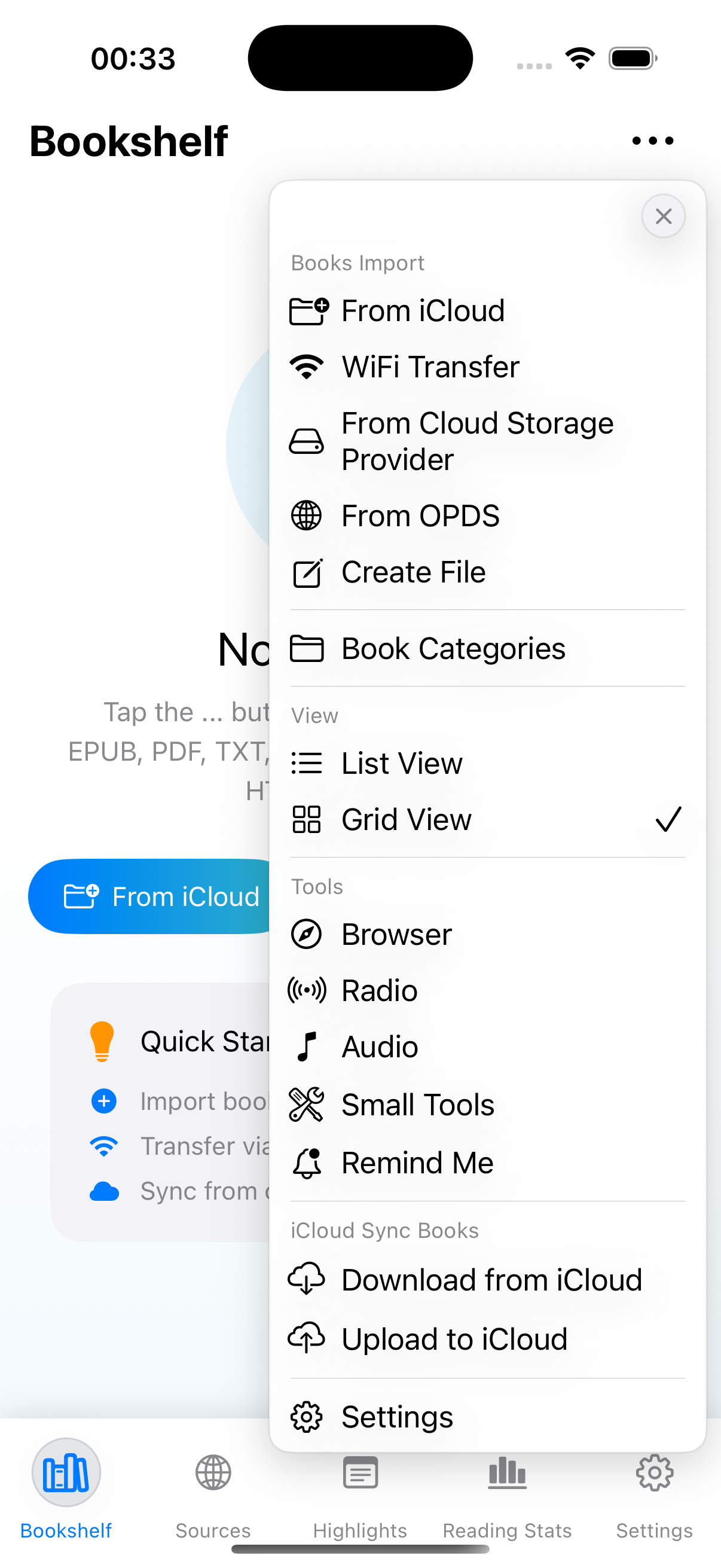
Bring EPUB, TXT, MOBI, HTML, Word, and PDF files straight into your library, without the usual conversion detours.
把 EPUB、TXT、MOBI、HTML、Word 和 PDF 直接收进书库,不再为格式转换绕远路。
Highlight key passages, leave notes in context, and come back later to exactly what sparked your thinking.
给重点内容划线,在上下文里留下笔记,之后回来看时依然能迅速找回当时的思路。
Books, notes, highlights, bookmarks, and progress stay close through iCloud, OneDrive, and Google Drive.
通过 iCloud、OneDrive 和 Google Drive,让书籍、笔记、划线、书签和进度始终跟着你走。
Tune fonts, spacing, margins, brightness, and backgrounds until long reading sessions feel easier on your eyes.
调整字体、间距、边距、亮度和背景,让长时间阅读真正更舒服、更耐看。
Export notes and highlights to PDF, TXT, or Markdown for study, writing, archiving, or sharing.
把笔记和划线导出为 PDF、TXT 或 Markdown,用于复习、写作、归档或分享。
ReadingUp starts with reading, not sign-up friction, so you can open your books without unnecessary barriers.
ReadingUp 先把阅读放在前面,而不是先制造注册阻力,让你更直接地打开书本。
Screenshots 界面截图
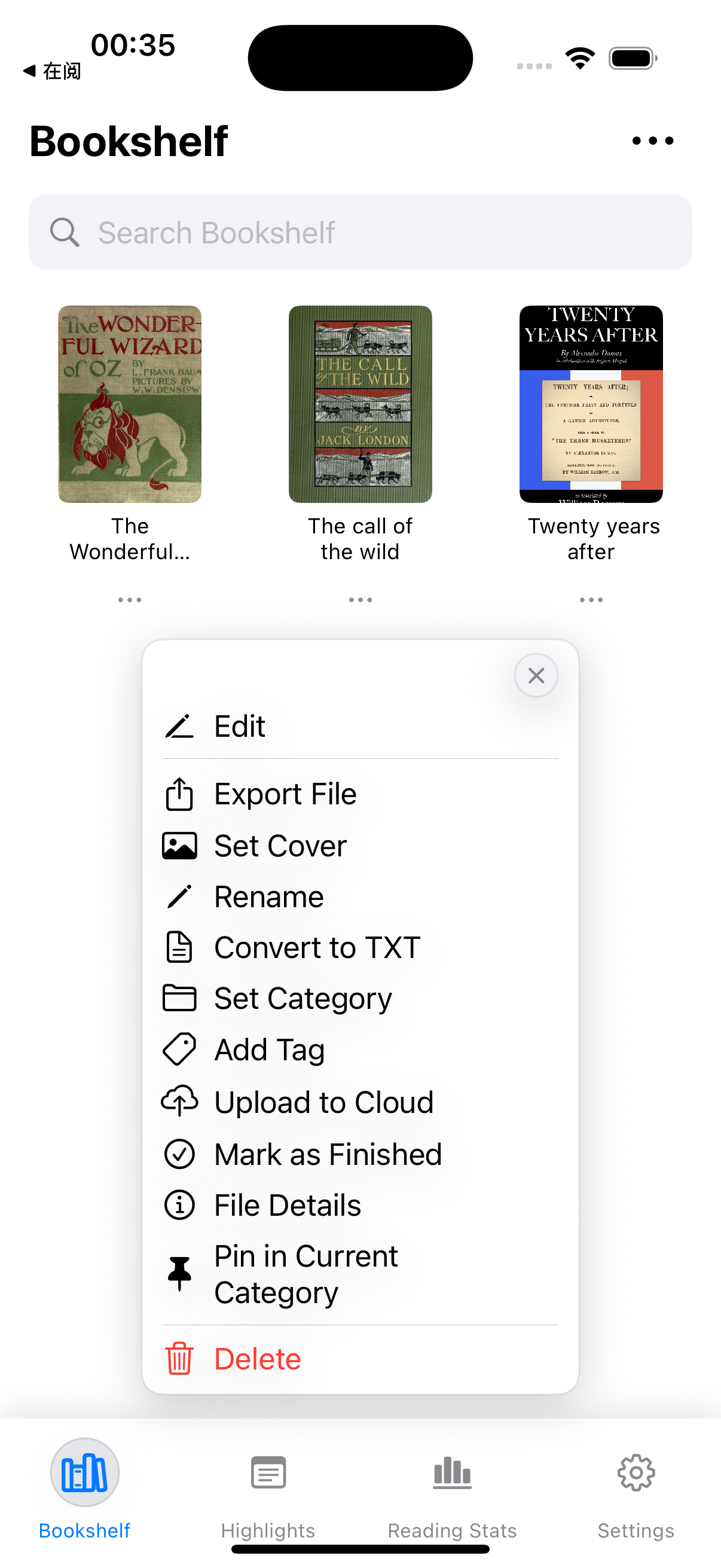
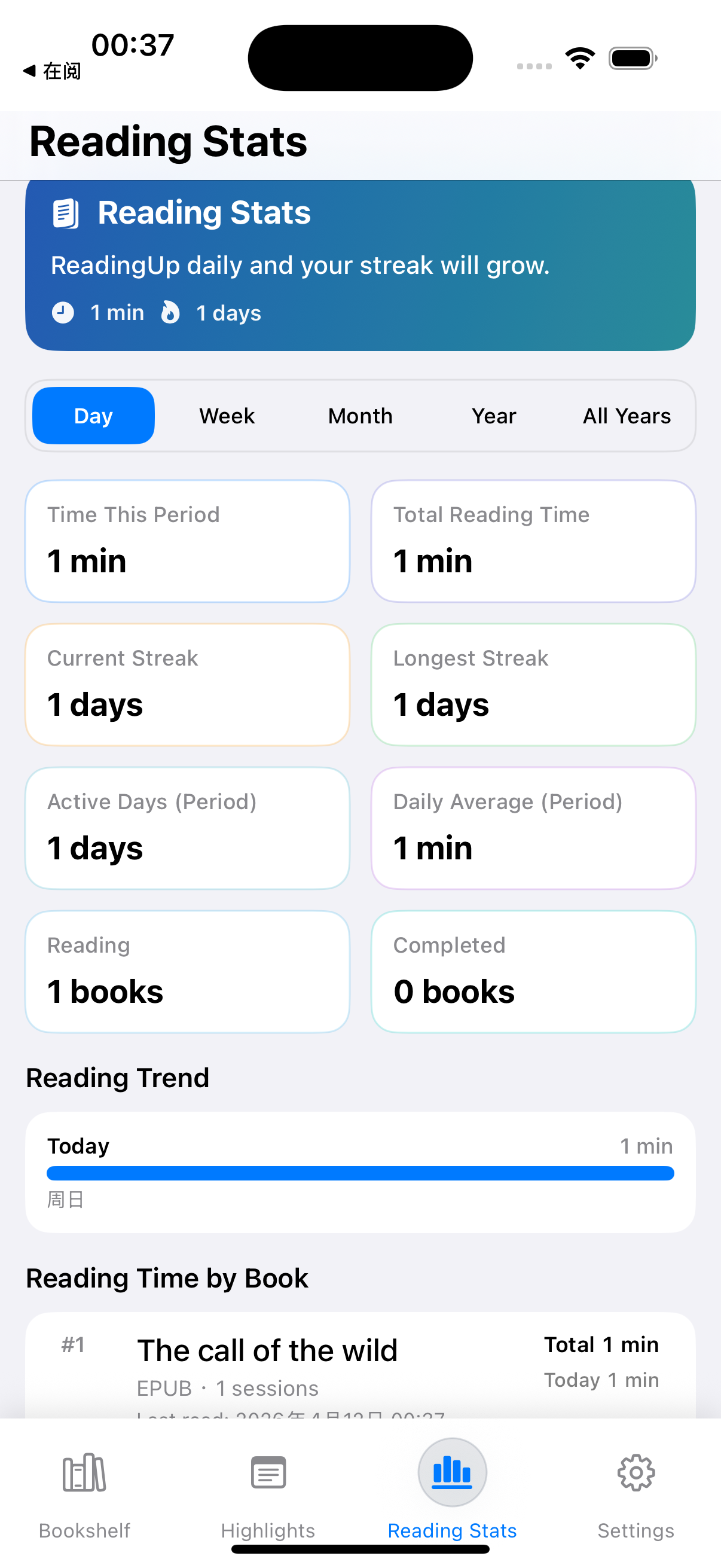
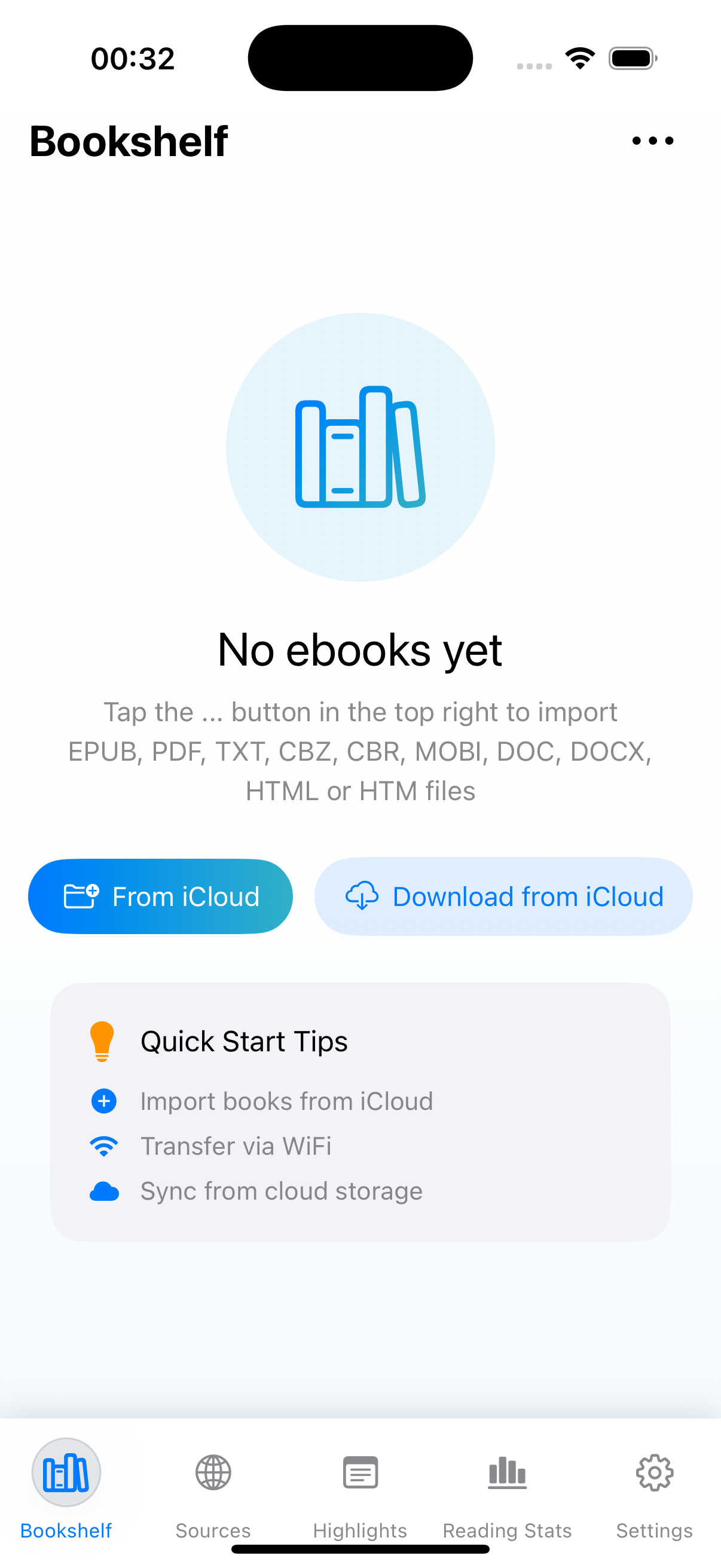
Every screen is designed to make reading feel lighter, clearer, and easier to return to every day.
每一个界面都围绕同一件事展开:让阅读更轻松、更清晰,也更愿意每天重新打开。
Why Readers Stay 为什么读者会留下来
Novels, saved PDFs, class material, and work files all get the same thoughtful treatment: clean space, useful tools, and an experience you will want to return to.
无论是小说、收藏的 PDF、课程资料还是工作文件,在 ReadingUp 里都会得到同样克制而顺手的对待:干净的空间、实用的工具,以及让你愿意反复打开的体验。
Instead of splitting novels, PDFs, notes, and saved files across different tools, ReadingUp keeps more of your reading life together.
不用再把小说、PDF、笔记和收藏文件拆散在不同工具里,ReadingUp 让更多阅读内容重新聚在一起。
Highlights, notes, exports, and sync help the best parts of your reading stay clear, portable, and ready when you need them again.
划线、笔记、导出和同步能力,让阅读中最重要的部分保持清晰、可带走,也更容易在之后重新用起来。
ReadingUp is built so the experience feels familiar every time you return: your page, your notes, your progress, still right where you left them.
ReadingUp 的设计目标,是让你每次回来都觉得熟悉:页面、笔记和进度,都还停留在你离开的地方。
FAQ 常见问题
ReadingUp supports EPUB, TXT, MOBI, HTML, Word, and PDF, so the books and documents you already have can feel at home right away.
ReadingUp 支持 EPUB、TXT、MOBI、HTML、Word 和 PDF,让你手头已有的书籍和文档可以立刻被顺畅接住。
Yes. ReadingUp keeps books, highlights, bookmarks, notes, and progress aligned through iCloud, OneDrive, and Google Drive.
可以。ReadingUp 可以通过 iCloud、OneDrive 和 Google Drive 让书籍、划线、书签、笔记和阅读进度保持同步。
Yes. Alongside iCloud, ReadingUp works with OneDrive and Google Drive, so you can keep using the cloud service that already fits your workflow.
可以。除了 iCloud 之外,ReadingUp 也支持 OneDrive 和 Google Drive,让你继续使用自己已经习惯的云服务。
Yes. ReadingUp is built for personal reading and does not put a required account between you and your books.
是的。ReadingUp 为个人阅读而设计,不会在你和书本之间先塞进一个必须注册的账号系统。
Tap any App Store button on this page to open the official ReadingUp listing and download it directly.
点击本页任意一个 App Store 按钮,都可以直接打开 ReadingUp 的官方下载页面。
Download ReadingUp and turn scattered files, saved passages, and half-finished reading sessions into one place you will actually want to return to.
下载 ReadingUp,把零散文件、收藏段落和那些还没读完的阅读时刻,重新收进一个你愿意反复回来的地方。
Contact 联系与关注
Questions, feedback, partnerships, or product updates. Reach out where it feels easiest.
无论是提问、反馈、合作,还是想关注产品更新,都可以通过下面的方式直接联系。
Best for support, bug reports, privacy questions, and partnership inquiries.
适合获取支持、反馈 bug、咨询隐私问题,以及商务合作联系。
hxx_shdt@126.comFollow Us
Follow along for product updates, release notes, and what is new in ReadingUp.
在 X 上关注产品更新、版本发布,以及 ReadingUp 的新变化。
https://x.com/createeem